
For ERP and financial software vendors
Make reconciliation part of your product.
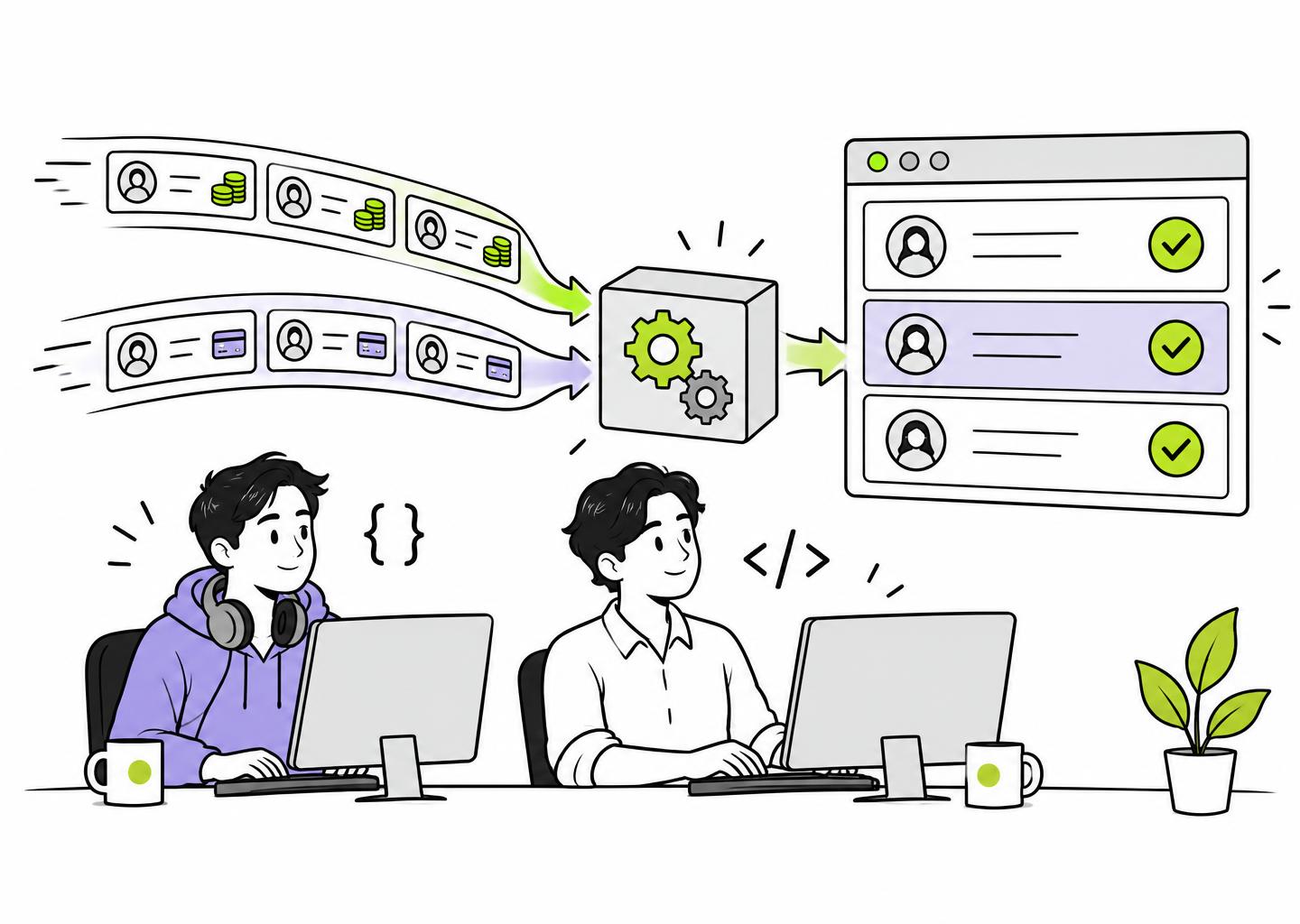
Add the capability without building the engine.
Extend your product
Offer advanced reconciliation within the software your customers already use. Your platform presents results and manages approvals.
Reduce engine maintenance
Avoid developing and maintaining a matching-rule catalogue. Send two comparable transaction datasets and receive structured results.
Evaluate the unit economics
Test representative volumes, result quality and commercial terms together. Establish whether the API makes sense for your product before rollout.
Your workflow around a specialist engine.
You provide the records
Transform data from your systems into two JSON transaction lists. Define the account, period and comparison your customer needs.
Reconcilio provides the matching
Receive matched groups, suggestions requiring review and unreconciled items. With the same inputs and engine version, your product receives the same automated matches.
You deliver the experience
Keep results, permissions, review, notifications and downstream actions in your product. The API does not write to your systems.
Embedded delivery in practice
A reconciliation capability inside partner solutions.
Oracle NetSuite partner integration
Reconcilio’s engine API has been integrated by a NetSuite partner to create an advanced reconciliation module within NetSuite.
Cloudfin
The Cloudfin collaboration uses Reconcilio’s engine API to bring reconciliation capability into its solution offering.
Discuss the scope relevant to your product. These examples do not imply an Oracle endorsement or a universal connector.
Prove it with a representative dataset.
Define success
Agree the reconciliation type, reference quality, grouped payments and exceptions the pilot must cover.
Measure the result
Run a known dataset twice with the same engine version. Compare the matched transaction IDs, then inspect a grouped payment and an unresolved item against your expected results.
Agree the rollout
Confirm volumes, commercial terms, support and data requirements before expanding to more customers.
Questions before you start
Is this a ready-made connection to every ERP?
No. The engine API is an embedded capability. Your integration supplies the expected transaction format and handles results. Existing named examples do not imply a connector for every ERP version or workflow.
Does the API include the Portal or Connect user interface?
The engine API returns reconciliation results. Your software provides the user experience. Discuss Portal or Connect requirements separately if they form part of your solution.
Can we compare more than two datasets at once?
Each run compares two datasets. Within those datasets, the engine supports one-to-one, one-to-many, many-to-one and many-to-many matching.
Explore reconciliation for your solution.
Book a demo to discuss your product, reconciliation flows and integration requirements.