
Reconciliations · Bank
Bank reconciliation

Match payments and groups
Individual transactions, split payments and grouped totals—not just one-to-one pairs.
Review what needs judgement
Validate uncertain matches, distinguish timing items and investigate potential FX or bank charges.
Explain the balance
Check opening and closing balances alongside reconciled and outstanding items.
Start with the records you already have.
Bring the bank statement and cash book or ledger for the same account, currency and period. Upload Excel, CSV or PDF, use supported API connections, or combine both.
Excel or CSV
Upload exported records
Bring your ledger exports and external statements in their existing layout. Reconcilio helps map the fields.
Upload statements
OCR extracts the transaction tables. Review the extracted records before validation.
Supported API
Connect your ERP or bank
Download records directly through a supported connection. Availability depends on the provider and operation.
External records + your ledger → Reconcilio Portal
Bank, supplier or customer records, compared with your ledger. Use files, supported connections or a combination.
One bank deposit, three cash-book receipts
A €600 deposit appears as one credit on the bank statement. The cash book records three receipts of €100, €200 and €300.
Use the deposit slip or batch reference to confirm which receipts made up that deposit.
Meet the Reconcilio PortalBank statement
- TRF-201 · Bank credit
- 600.00
Cash book / ledger
- RCPT-201
- 100.00
- RCPT-202
- 200.00
- RCPT-203
- 300.00
Confirm the transfer references against the receipts. 100.00 + 200.00 + 300.00 = 600.00.
See the four matching patterns
A suggestion is a decision—not an automatic correction.
A deposit in transit and an uncleared cheque need follow-up, not another ledger entry. A charge missing from the ledger needs evidence before an adjustment. Your team decides the treatment.
Deposit in transit
- Bank statement
- Not yet credited · —
- Cash book / ledger
- DEP-204 · Receipt · 2,000.00
Timing item · remains open
Trace the deposit into the next bank statement. Do not record the receipt again.
Uncleared cheque
- Bank statement
- Not yet presented · —
- Cash book / ledger
- CHQ-208 · Payment · 350.00
Timing item · remains open
Check whether the cheque clears next period. The payment is already in the ledger.
Unrecorded bank charge
- Bank statement
- Service charge · −25.00
- Cash book / ledger
- No charge recorded · —
Potential ledger adjustment · −25.00
Check the bank advice and ledger before recording the fee. This is not a second payment.
Timing difference or missing transaction?
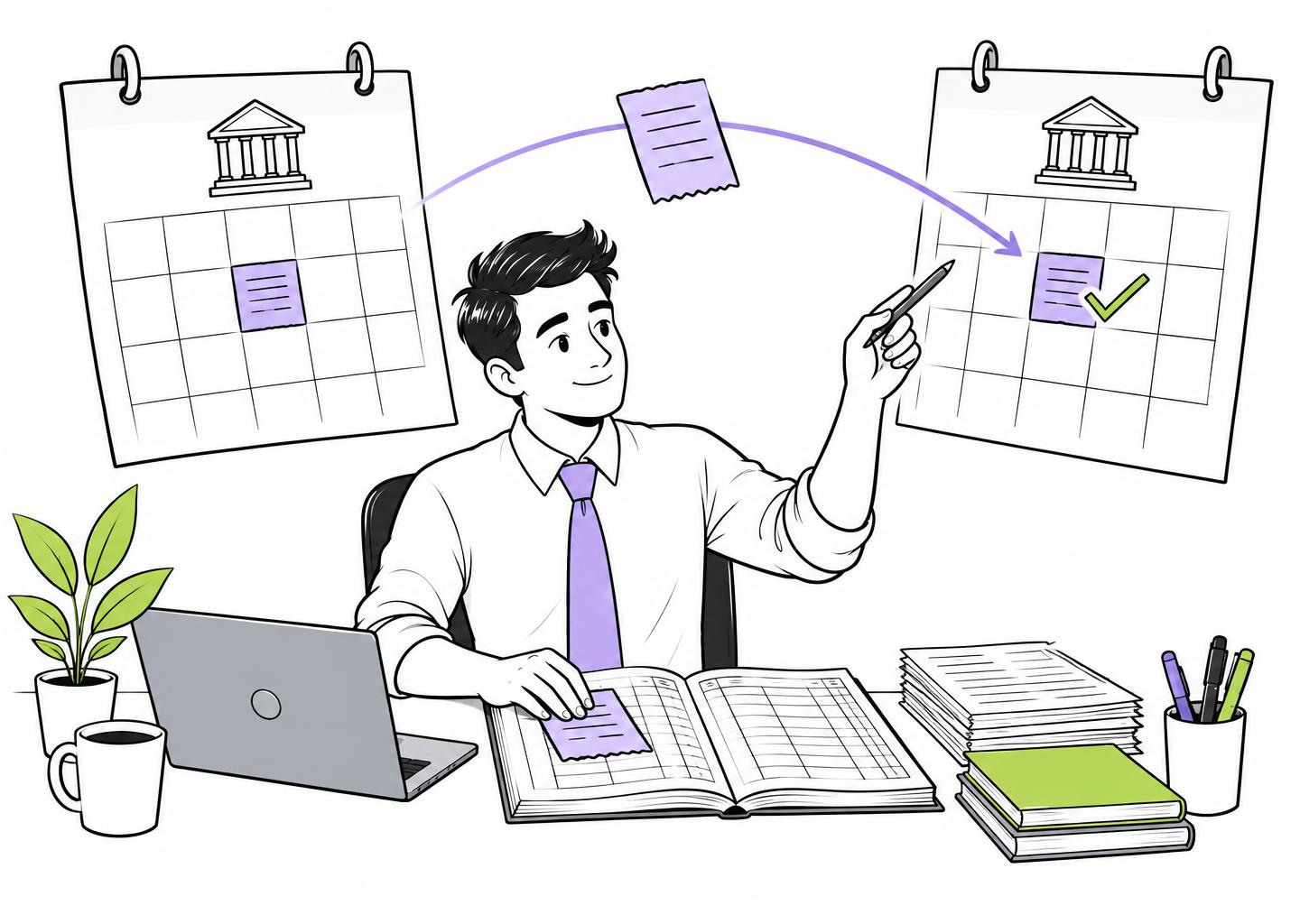
Deposit in transit
The receipt is in your cash book but not yet credited by the bank. Check the deposit evidence and next statement; do not book the receipt again.
Uncleared cheque
The payment is recorded but the cheque has not been presented. Trace it into the next period; it is not an unrecorded expense.
Missing bank fee or FX charge
Check the bank advice and ledger. Review or create the appropriate adjusting transaction—not the full payment again.
Opening balance difference
Investigate the brought-forward gap separately. Reconcilio flags it in the report; it does not force the balances to agree.
What explains the €2,025 gap at month-end?
Opening balances, calculated closing balances and outstanding items belong in the same reconciliation. A zero difference can include an explained timing item—not just matched transactions.
Use the adjustments report for ledger updates. Download it or post through a supported ERP connection; creating an adjustment and posting it are separate steps.
Balance reconciliation
September 2026 · Example Bank Account · EUR
- Ledger closing balance
- 12,500.00
- Deposit not yet credited by the bankTiming reconciling item · not a ledger adjustment
- −2,000.00
- Bank fee missing from ledgerPotential ledger adjustment · review evidence
- −25.00
- Balance after reconciling items
- 10,475.00
- Bank closing balance
- 10,475.00
- Difference
- 0.00
Next period. Not back to square one.
- Carry outstanding transactions forward
- Select the previous saved, locked report as input. Its open transactions join the new bank statement and ledger records.
- Re-run when information changes
- For a corrected statement in the same period, re-run while retaining accepted and rejected suggestions and manual reconciliations.
September report
Saved and locked
CHQ-208 · Uncleared cheque · EUR 350.00
Unreconciled
October reconciliation
Previous report selected as input
September’s outstanding cheque joins October’s bank and ledger records. Check whether the cheque has now cleared.

“Its precision and efficiency have drastically reduced errors in our bank and accounts payable reconciliations, making our team’s job much easier. It is user-friendly, without complex installations, which was a huge relief.”
Questions before you start
Can we carry uncleared payments into the next bank reconciliation?
Yes. Select the previous locked report when you bring in the next bank statement. A payment already recorded in the cash book stays open until the corresponding debit appears at the bank.
Do we need a direct bank or ERP connection?
No. Start with Excel, CSV or PDF exports. Direct downloads and ERP posting require supported connections. Confirm your bank, ERP and required operation in a demo.
Do we have to configure matching rules?
No. The proprietary algorithmic engine works out of the box and supports one-to-one, one-to-many, many-to-one and many-to-many matching. Review extracted or mapped records before reconciliation.
Does a zero difference mean every transaction is matched?
Not necessarily. Outstanding payments or other timing items may explain the balance while remaining unreconciled. Review both the balance validation and the open transactions.
Can it handle large transaction volumes?
The engine can reconcile hundreds of thousands of transactions. Upload, extraction and interactive mapping limits depend on the input path; confirm the appropriate route for your records in a demo.
Start with 1,500 free reconciliations.
Create an account and reconcile your own records, or book a demo to discuss volume, users and deployment.