
Reconciliations · Customer / AR
Customer account reconciliation
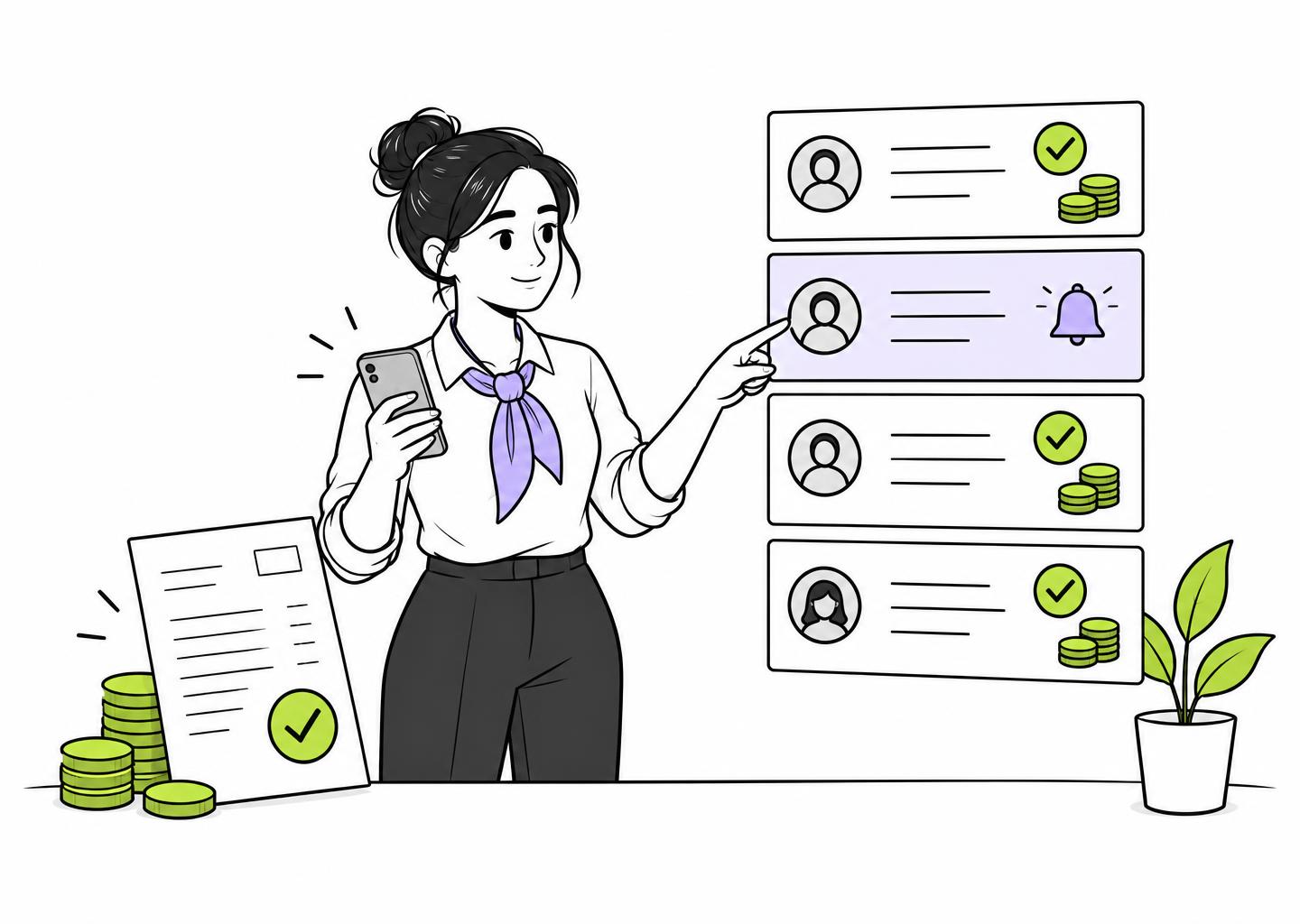
Match receipts and invoice groups
Compare individual entries and grouped transactions. Validate uncertain pairings rather than forcing a match.
Explain the customer balance
Review opening and closing balances alongside credits, payments and open items.
Resolve differences together
With Connect, collect statements and documents and discuss specific items in the customer’s portal.
Start with the records behind the balance.
Compare customer statements, payments or remittances with your receivables records for the same customer, entity, currency and period. Bring Excel, CSV or PDF files, or use supported API connections.
Excel or CSV
Upload exported records
Bring your ledger exports and external statements in their existing layout. Reconcilio helps map the fields.
Upload statements
OCR extracts the transaction tables. Review the extracted records before validation.
Supported API
Connect your ERP or bank
Download records directly through a supported connection. Availability depends on the provider and operation.
External records + your ledger → Reconcilio Portal
Bank, supplier or customer records, compared with your ledger. Use files, supported connections or a combination.
Two instalments against one sales invoice
A customer pays a €900 invoice in two instalments. The payment references and remittances identify the invoice each instalment settles.
Check both receipts before clearing the invoice. After the first €600, the remaining €300 is still due.
Meet the Reconcilio Portal →Customer payments
- First receipt · INV-312
- 600.00
- Second receipt · INV-312
- 300.00
Receivables invoice
- INV-312 · Sales invoice
- 900.00
Both receipts reference INV-312. Together they settle the €900 invoice.
See the four matching patterns
A short payment is not automatically an adjustment.
A 20.00 short payment may be a deduction, dispute or part payment. Unapplied cash needs the right invoice allocation. Check the remittance and evidence before changing the balance.
Short payment
- Customer payment / remittance
- REM-302 · Receipt · 980.00
- Receivables records
- INV-302 · Amount due · 1,000.00
20.00 difference · investigate
Ask whether this is a part payment, deduction, charge or dispute. Do not write off the difference automatically.
Unapplied cash
- Customer payment / remittance
- RCPT-305 · Paid · 300.00
- Receivables records
- RCPT-305 · Unallocated cash · 300.00
Confirm the invoice allocation
Identify the customer and request the remittance. Cash already recorded should not be booked a second time.
Remittance covers invoices
- Customer payment / remittance
- REM-310 · Paid · 500.00
- Receivables records
- INV-308 · 200.00 + INV-309 · 300.00
Potential grouped match · 500.00
Check both invoice references on the remittance before confirming the allocation. A match is not an adjustment.
Find the reason before changing the balance.
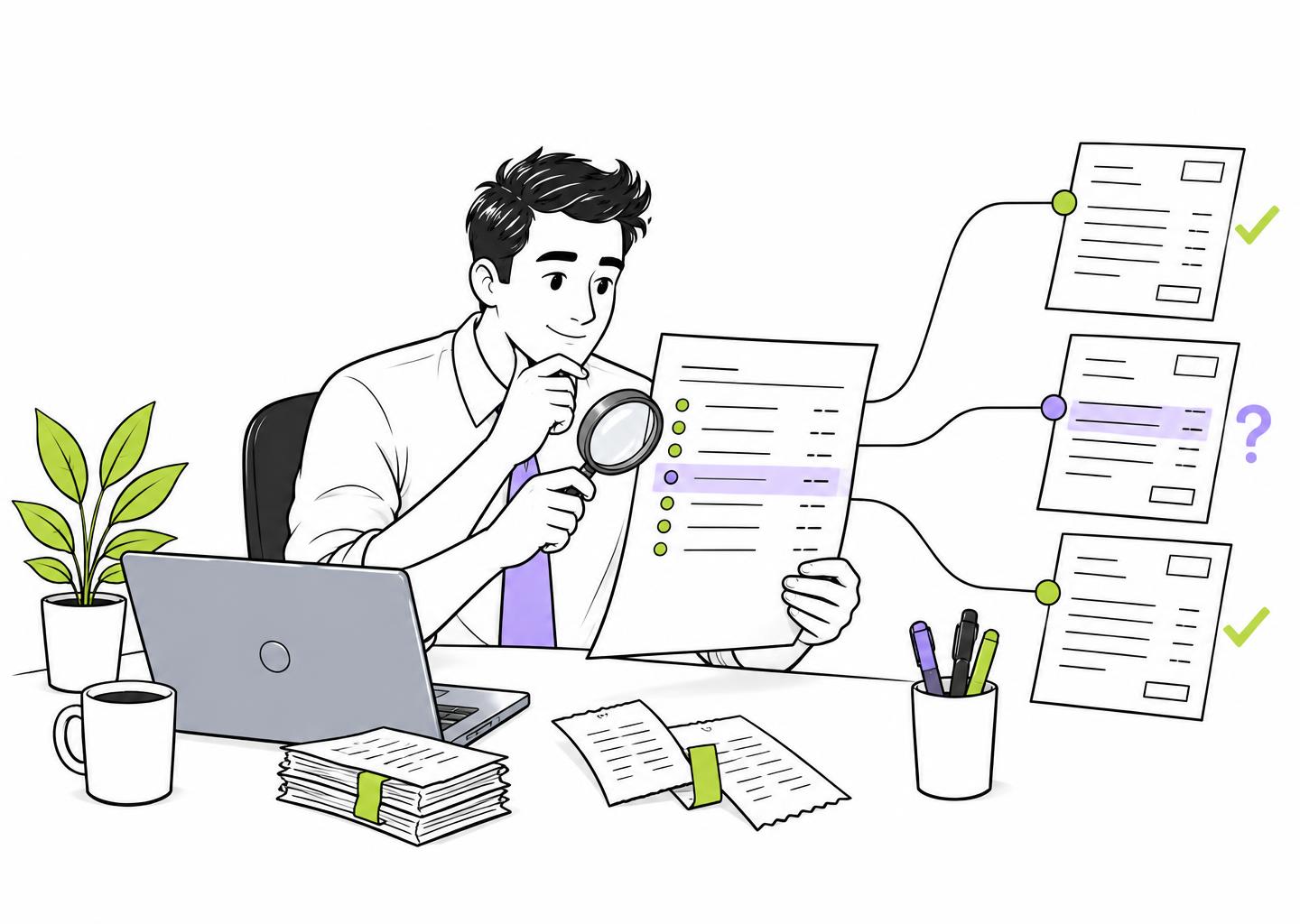
Partial or short payment
Check the remittance and invoice allocation. Establish whether the difference is a part payment, charge, deduction or dispute before deciding treatment.
Unapplied cash
The receipt is recorded but not allocated to invoices. Identify the customer and obtain the remittance before confirming the allocation—not another cash entry.
Payment without a clear reference
Confirm the customer and the invoices it relates to. Equal amounts alone do not establish the correct pairing.
Why does the customer show €400 less due?
Opening balances, calculated closing balances and outstanding items belong in the same reconciliation. Keep differences visible until you have an explanation—not just equal totals.
The customer deducted €400. Ask for the debit note and check whether your team issued a corresponding credit. Until the deduction is agreed, the €400 remains open in receivables.
Download the adjustments report for ERP updates or post through a supported connection. Creating an adjustment and posting it are separate steps.
Balance reconciliation
September 2026 · Example Customer · EUR
- Ledger closing balance
- 12,400.00
- Deduction taken by customer, awaiting agreement
- −400.00
- Balance after explaining the deduction
- 12,000.00
- Balance in customer records
- 12,000.00
- Difference
- 0.00
Reconcilio Connect · Customer / AR
Get the customer’s side of the story.
Ask selected customers for their payables records at month-end. Connect sends requests and reminders automatically and notifies you as statements arrive.
- 01
Collect the records
Customers upload statements and supporting documents through the portal.
- 02
Reconcile and release
Resolve what you can internally, then publish and release remaining items with your assessments.
- 03
Track outstanding work
See cycle status and open items across customers in the dashboard.
Your customer sees only what you share in Connect. Your private reconciliation remains separate.
Follow the complete Connect cycle →Reconcilio Connect
Example Trading Ltd
September 2026
- 5
- Live cycles
- 3
- Awaiting documents
- 2
- In progress
| Reconciliation account | Type | Open items | Cycle status |
|---|---|---|---|
| Northway Supplies | Supplier | 4 | Released |
| Harbour Components | Supplier | 6 | Owner reviewing |
| Oakfield Retail | Customer | 0 | Launched |
| Meridian Services | Customer | 0 | Launched |
| Westbridge Parts | Supplier | 0 | Launched |
Discuss the item. Keep the answer with it.
Less back-and-forth over the whole account. A specific question and the evidence to answer it.
- Clarify the payment or credit
Discuss the specific invoice, receipt, deduction or disputed item with your customer.
- Share supporting documents
Upload invoices, credit notes and updated statements in the portal.
- Re-run without losing the work
Retain accepted and rejected suggestions, manual reconciliations, assessments and discussions.
Shared with Cedar Retail · September cycle
INV-302 · Short payment · EUR 20.00
Your receivables team
We received 980.00 against INV-302 for 1,000.00. Please share the remittance and explain the 20.00 deduction.
Customer’s accounts payable team
The remittance shows a disputed delivery charge of 20.00. Attached for review; please check the invoice and delivery evidence with us.
REM-302.pdf
The customer sees only what is shared in Connect, not your private reconciliation account.
Keep open items in the next period.
- Next month or quarter?
- Select the previous saved, locked report as input. Its unreconciled transactions join the new customer and ledger records.
- New information for this period?
- Re-run while keeping accepted and rejected suggestions and manual reconciliations. In Connect, assessments and discussions stay with the work too.
September report
Saved and locked
RCPT-305 · Unapplied receipt · EUR 300.00
Unreconciled
October reconciliation
Previous report selected as input
Carry the unallocated receipt into the next period. Check the new remittance before confirming its invoice allocation; do not record cash again.
Questions before you start
Can we use a remittance to reconcile the customer’s closing balance?
A remittance tells you which invoices the customer intended to pay. Check the receipt to confirm settlement. For the closing balance, compare the customer’s full account activity and balance with your receivables at the same date.
Can we allocate a receipt when the customer left out the invoice number?
Use the payer reference, amount and remittance to identify the invoices. If several invoices fit and the remittance is missing, keep the receipt unapplied and ask the customer for the allocation.
Does a short payment prove a missing charge?
No. It may be a part payment, deduction, credit, allocation issue or dispute. Check the remittance and supporting documents before deciding whether an adjustment is appropriate.
Does confirming a match change the customer balance?
No. Linking a receipt to its invoice in the reconciliation does not change the recorded receivables balance. Any ledger correction is a separate decision.
Can we reconcile without involving customers?
Yes. Use your private reconciliation account to compare your records. Connect is the separate space for statement requests, shared documents and joint resolution; customers see only what you share.
Start with 1,500 free reconciliations.
Create an account and reconcile your own records, or book a demo to discuss volume, users and deployment.