
For accounting firms
More client capacity. Less manual reconciliation.

“This translates into faster deliverables and a better experience for our clients. Additionally, we now have the opportunity to offer higher value services, which has had a positive impact on our profitability.”
Make your team’s time go further.
Capacity for more client work
Reduce repetitive transaction matching so the same team can spend more time on exceptions, delivery and client service.
A better use of engagement time
Focus senior attention on items that require judgement. Keep records and previous decisions available for the next colleague and period.
Different ERPs. One approach.
Use clients’ existing Excel, CSV or PDF exports without requiring every client to use the same accounting system or connector.
Structure the work around your clients.
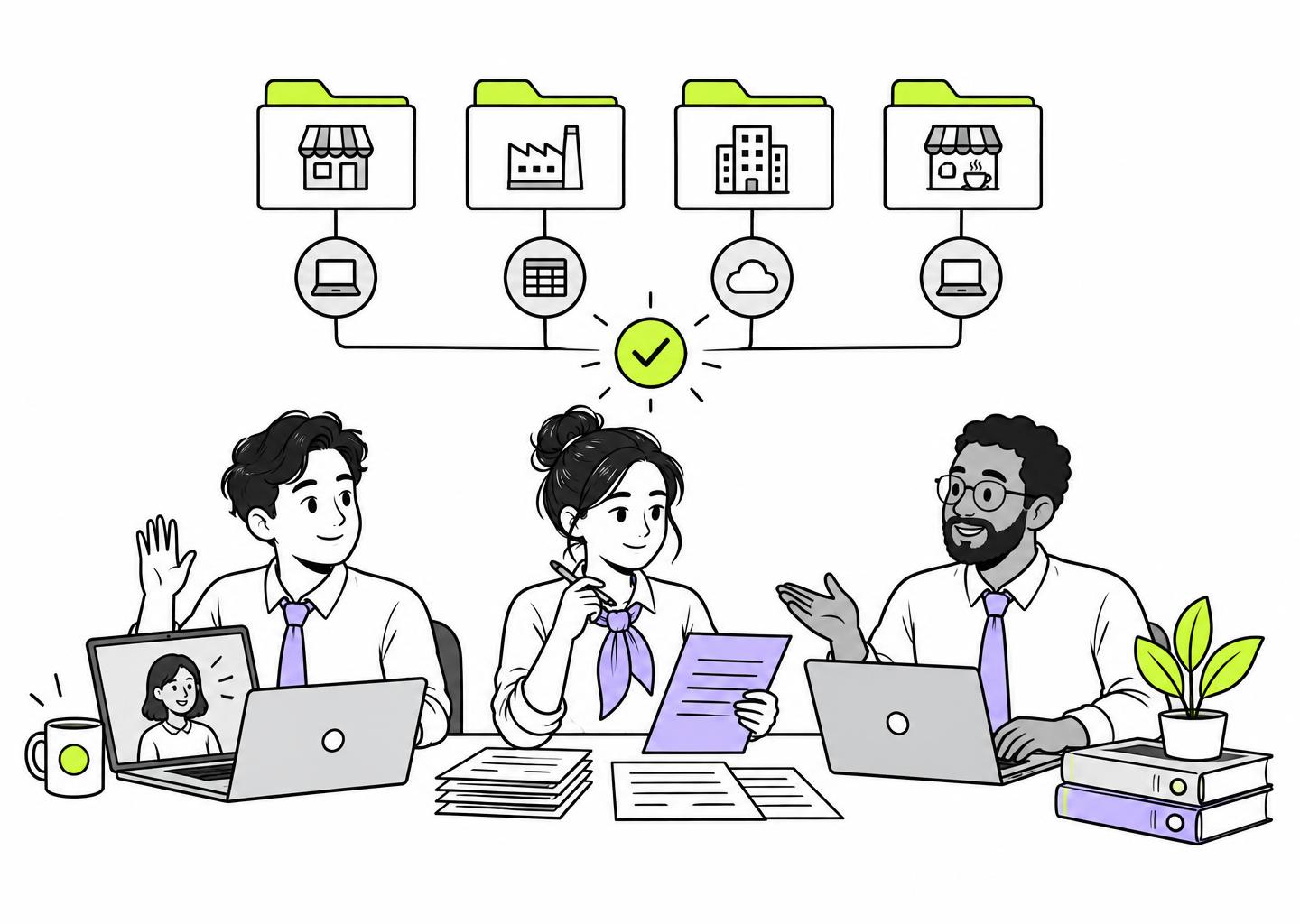
Agree the entities and accounts you need to reconcile for each client. Keep source records, currency and period tied to the correct comparison, and invite colleagues to manage their assigned entities or accounts.
A client may have several entities and accounts. Establish that structure and access requirements before choosing a plan—not every client is one entity.
Questions to settle at the start
- Which client entities and accounts are in scope?
- Who supplies the records, and who needs access?
- What evidence does the reviewer need?
- Which open items must continue next period?
Onboard the next client with a clear starting point.
- 01
Agree the scope
Confirm the entity, account, currency, period and opening records. Establish permission to use the client’s data.
- 02
Collect comparable records
Obtain authorised Excel, CSV or PDF exports, or confirm the supported connection and operation. You do not need a direct ERP connection to start.
- 03
Review, then reconcile
Check the mapped or extracted rows. Run the engine, validate suggestions and investigate records that remain open.
- 04
Save the result and next actions
Keep the matched records, outstanding items and required evidence clear. Save and lock the report when your team’s review is complete.
Leave a result a colleague can review.
What agrees
Separate confirmed individual and grouped matches from proposals still needing human validation.
What remains open
Keep the difference, source evidence and outstanding question visible. Equal balances alone do not resolve every item.
What changes the ledger
Distinguish a confirmed pairing from an adjusting transaction. Use the adjustments report for evidenced ERP updates.
Report locking prevents editing. Apply your firm’s review and approval process; locking a report is not a separate reviewer sign-off.
Assigned access. Your firm’s review process.
Owner, Admin, Preparer and Viewer roles scope access to workspaces, entities and accounts. Preparers can prepare and lock reports; apply your firm’s reviewer process before completion. Saved, locked reports keep the account’s reconciliation available for later review and next-period work—with the source records and outstanding work available to your team.
Continue the client’s next period.
Select the relevant saved, locked report as input with the next period’s records. Its unreconciled transactions join the new comparison.
Corrected records for the current period? Re-run while retaining accepted and rejected suggestions and manual reconciliations.
September report
Saved and locked
Example client · Bank account · DEP-204 · EUR 2,000.00
Unreconciled
October reconciliation
Previous report selected as input
Select this client account’s saved, locked report with its next-period records. The outstanding deposit remains part of the comparison.
Choose capacity for the firm’s workload.
Compare plan limits for entities, accounts per entity and users. Each plan includes an allowance for reconciliations. One payment matched to several invoices counts once. With annual billing, you can use that allowance across the year.
Compare plans and allowances →Add Connect where follow-up needs it.
For client supplier or customer work, request statements, share assessed outstanding items and resolve questions with documents and discussions. Private reconciliation stays separate from the shared portals.
See Reconcilio Connect →Data encrypted in transit, with MFA and SSO available.
Review security and data handling →Start with 1,500 free reconciliations.
Create an account and reconcile your own records, or book a demo to discuss volume, users and deployment.