
One account, low volume
A single bank account with a few dozen lines a month.
Compare · Reconcilio vs Excel
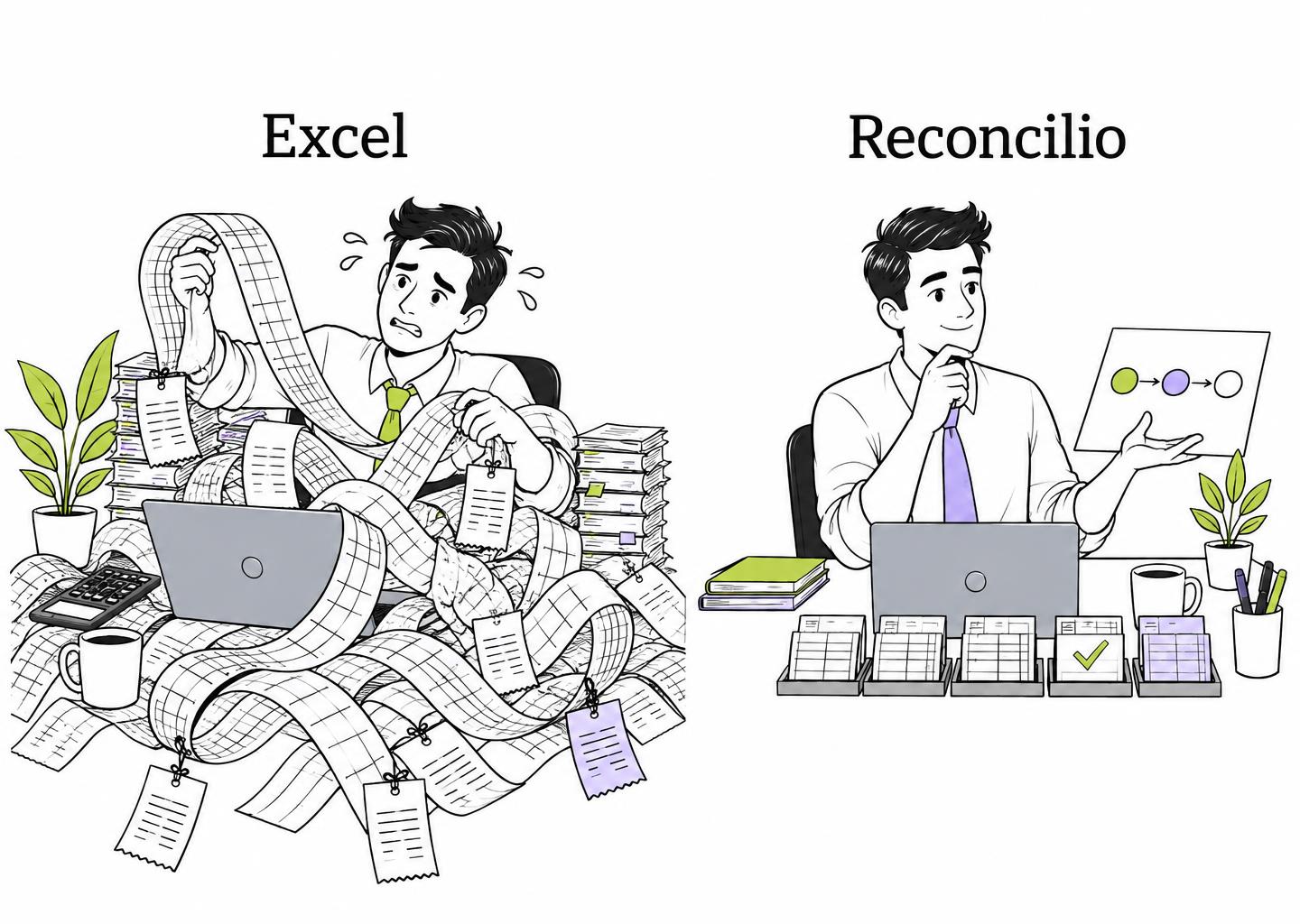
Keep Excel where it works. If each close means reshaping statements, rebuilding payment groups or tracing last month’s open items, use those same files in Reconcilio. See which transactions agree, what explains the balance and what still needs your team.
Keep what works
A single bank account with a few dozen lines a month.
Every payment carries the invoice number, so a lookup finds it.
Each payment settles exactly one invoice for the exact amount.
If that describes your month, a good template may be all you need.
More than a lookup
VLOOKUP and XLOOKUP return a matching row; they do not reconcile a group by themselves. A payment covering three invoices needs aggregation with SUMIFS, other formulas or manual review.
Bank and supplier PDFs need their tables extracted before formulas can use them. Excel can import some PDFs through Power Query; the extracted rows and layout still need checking.
Rounding, FX and bank charges leave residuals. Someone needs to check the evidence and explain whether a difference is a charge, a timing item or something else.
Open items often get copied into next month’s file by hand. Keeping the history across separate workbooks takes care.
A late statement means updating the sheet and checking which decisions still apply. Without a maintained process, you can end up repeating work.
Notes, change history and file versions can support review. But a filename such as Rec_Sept_v3_final.xlsx is not, by itself, a record of who decided what.
Power Query and macros can automate parts of this. Someone still has to build them, maintain them and update them when a bank’s statement layout changes.
| Task | Excel | Reconcilio |
|---|---|---|
| Matching logic | Formulas you write and maintain | No matching rules to maintain. The same inputs and engine version produce the same automated matches. |
| File formats | Excel and CSV; PDFs need extraction or conversion | Excel, CSV or PDF in your existing layout. OCR and table extraction are built in; review extracted rows before validation. |
| Grouped matches | Aggregation formulas, Power Query or manual review | One transaction or a group on either side: 1-to-1, 1-to-N, N-to-1 and N-to-N. |
| Rounding, FX and charges | Investigate and explain each residual | Potential adjustments for you to accept or reject after checking the evidence. |
| Opening balance differences | Checks you build into your workbook | An opening balance difference is clearly marked on your ledger statement for review. |
| Next period | Carry open items into the next file or query | Select the previous saved, locked report; its unreconciled items join the new period. |
| Re-running | Refresh or rework the sheet and check previous decisions | Accepted and rejected suggestions and manual reconciliations are remembered. |
| Multiple clients or entities | Workbooks and access arrangements per client or account | Entities, accounts and colleagues with assigned scope, within your plan allowances. |
| Counterparty follow-up | Email threads, shared files and attachments | Connect automates statement requests, collection and reminders. Share selected differences with suppliers or customers and keep their replies with the relevant item. |
| Cost | No additional software cost if you already own Excel | Plans from €40/month equivalent, billed annually. Excludes VAT. |
Suggestions, not automatic corrections
Your ledger shows a €17 receipt. The bank credited €15. Check the settlement advice to see whether a €2 fee was deducted.
Possible fee deducted · €2.00
€17 gross less €2 equals €15 net. Check the settlement advice and ledger before accepting a fee adjustment. Posting is a separate step.
Moving from your workbook
Bring the files you already reconcile from, in their existing layout. Start with a period you have already closed. Compare the closing balance, the transactions in a grouped payment and the items carried forward against your reviewed workbook.
Keep your original records and check the mapping and extracted rows. A demo can help confirm the fit for larger or unusual files.
Yes. Bring Excel, CSV or PDF files in their existing layout; Reconcilio manages the mapping. Review extracted PDF rows before validation, and check larger or unusual files against the processing limits.
No. There are no matching rules to build. The proprietary algorithmic engine handles matching; your team reviews suggestions and decides what to accept.
Power Query and macros can automate parts of reconciliation. Someone still needs to build and maintain them, and changed layouts may require updates. Reconcilio manages file mapping and matching without requiring you to maintain your own matching formulas or rules.
If you already own Excel, there may be no additional software cost. The comparison is with time spent matching, explaining differences and carrying items forward. Reconcilio plans start from €40/month equivalent, billed annually, excluding VAT.
If you reconcile one low-volume account with clean references and one-to-one matches, a template may be enough. Keep using the workbook while it remains straightforward to maintain and review.
Create an account and reconcile your own records, or book a demo to discuss volume, users and deployment.